
 ios
ios android
 tiktok
 instagram
 facebook
 bluesky
 x
x reddit
 threads
 About
About AKESO Health Tracker
 Resources
 Blog
Blog FAQ
FAQ Contact
 AKESO Forum
You can customize Akeso’s appearance and behavior from the screen settings menu.
From this menu, you can…
– Choose from Akeso’s 4 distinct color modes


– Change the app’s hand orientation

– Toggle on/off haptic feedback

– Adjust your default text size

– Edit your time display settings
– Check your current time zone 
– Select which day your week starts on * Choose to start weeks on Monday or Sunday
– Change your current date format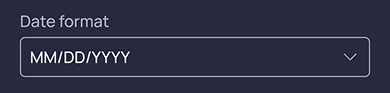 *MM/DD/YYYY or DD/MM/YYYY format
– Select a new time format * 12-hour or 24-hour format
– Set your unit preferences for…
– Water * Ounces (oz) or Milliliters (ml)
– Height * Feet/Inches (ft, in) or Centimeters (cm)
– Weight * Pounds (lb) or Kilograms (kg)
After making changes, remember to save your screen settings by clicking the illuminated “Save” button at the bottom of the screen.
