
 ios
ios android
 tiktok
 instagram
 facebook
 bluesky
 x
x reddit
 threads
 About
About AKESO Health Tracker
 Resources
 Blog
Blog FAQ
FAQ Contact
 AKESO Forum
1. To view your current Akeso Premium subscription status, first open your settings menu by tapping the triple bar (≡) icon in the upper-right corner of your screen.

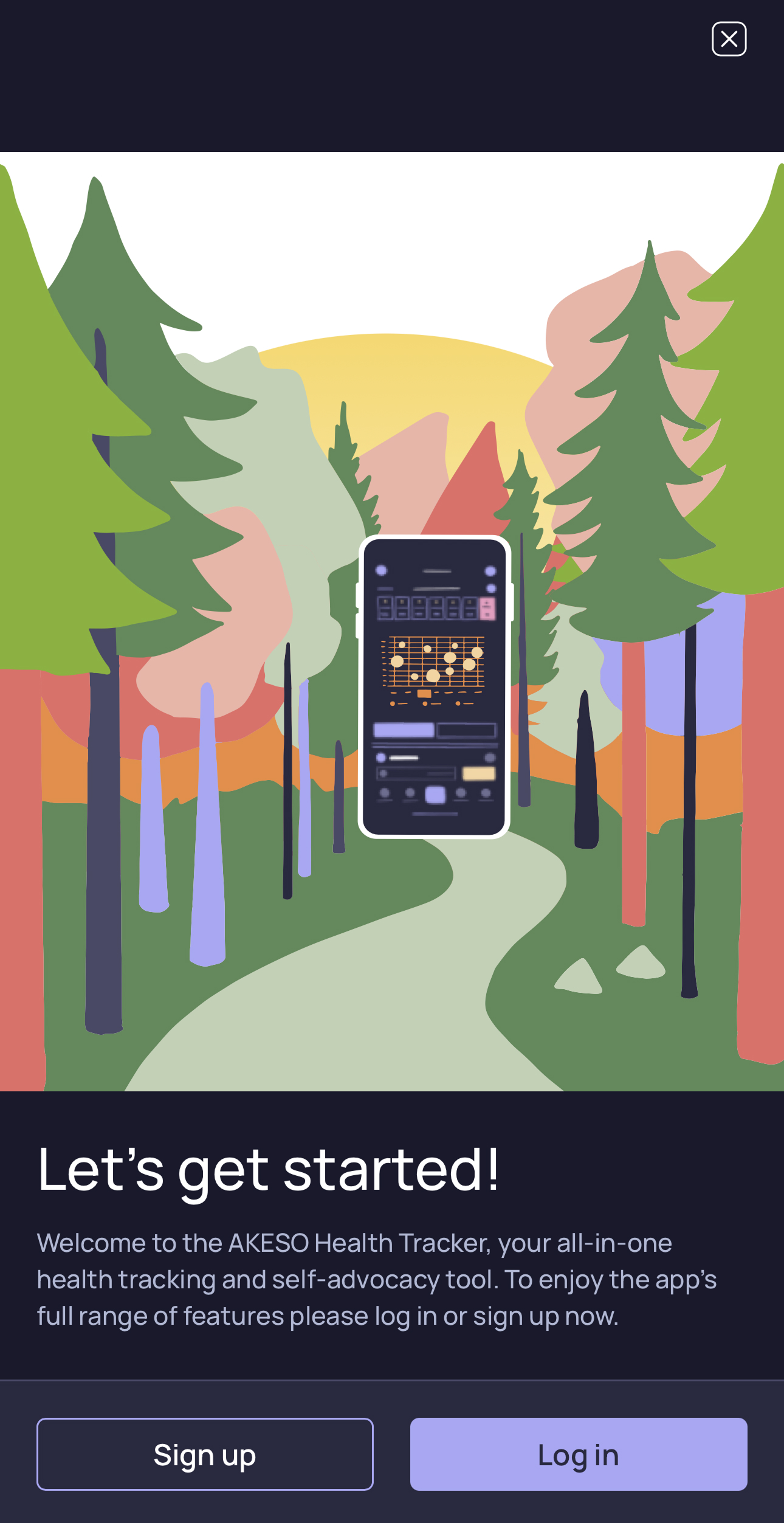
2. Next, log in to your Akeso account by tapping the “Sign Up/ Login” button toward the bottom of your screen. If you are already logged in, skip to step 3.

Follow the onscreen prompts to log back in.
3. Once logged in, select “User profile” from the settings menu.

4. Tap on “Account Info”.

5. Look for the “Your subscription” heading. You can find your current subscription status here.

6. Press the “Check subscriptions options” button to manage your subscription.

From this menu, you can view Akeso Premium’s current subscription options.

7. If you are already an Akeso Premium user, your current subscription type is marked with a green check mark.

Look below your subscription type to find your next renewal date.
