ios
ios android
 tiktok
 instagram
 facebook
 bluesky
 x
x reddit
 threads
 About
About AKESO Health Tracker
 Resources
 Blog
Blog FAQ
FAQ Contact
 AKESO Forum
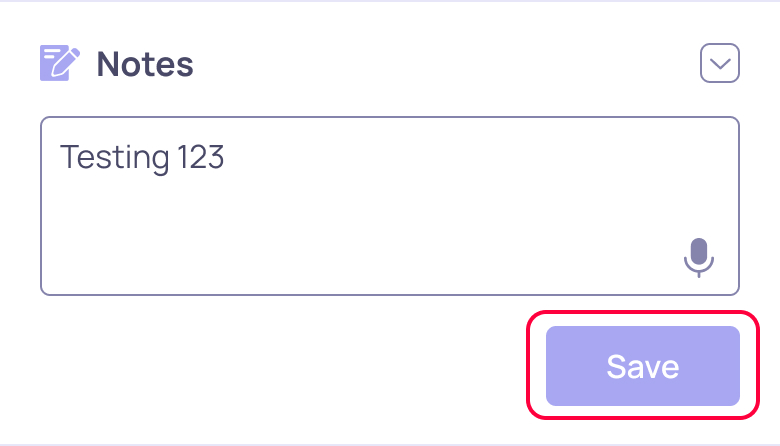
AKESO’s daily log includes a robust notes feature. When you enter your healthcare data into the app, scroll to the bottom of your daily log to find the notes section.

Use this box to highlight additional data points, input your thoughts, or record your condition’s new or unique features.
AKESO’s note feature also supports voice-to-text input.
Voice-to-text
1. Press and hold the microphone icon in the bottom-right corner of the notes box.
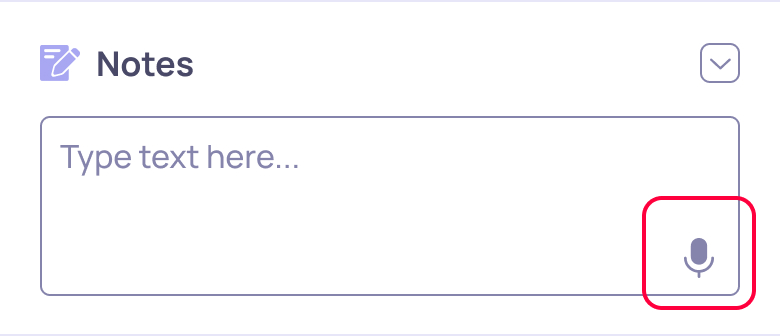
IMPORTANT: If this is the first time you’re using this feature, your device may prompt you to allow microphone access.
Microphone access is required to enable voice-to-text input.
2. Once you see “Recording…” appear in the bottom-right corner of the box, speak your message into your device’s microphone.
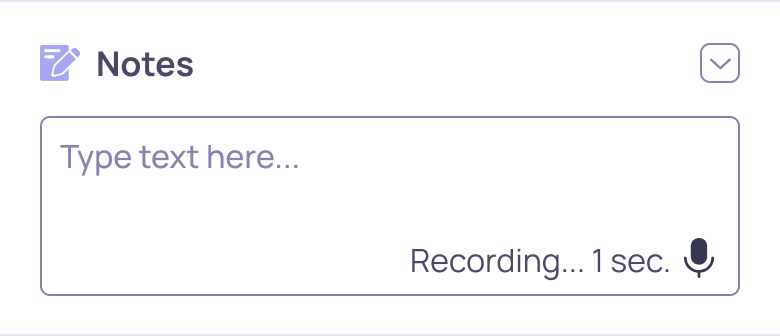
3. Release the button when you’ve finished recording and wait for your message to appear.
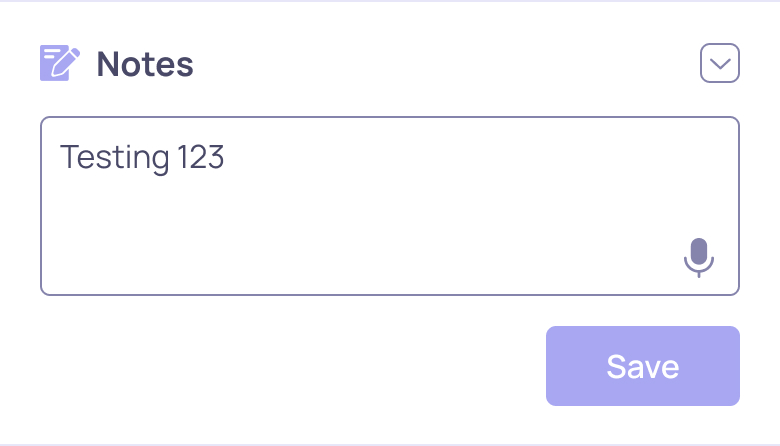
4. Press the colored “Save” button to save your note to AKESO.